How to Turn Scanned PDFs into Editable Word Files That Keep the Layout
Convert PDFs and scans into Word files with real, editable text that still look like the original pages: cleaning scans, choosing a layout and checking the result.
BLoc OCR with Design · Document conversion
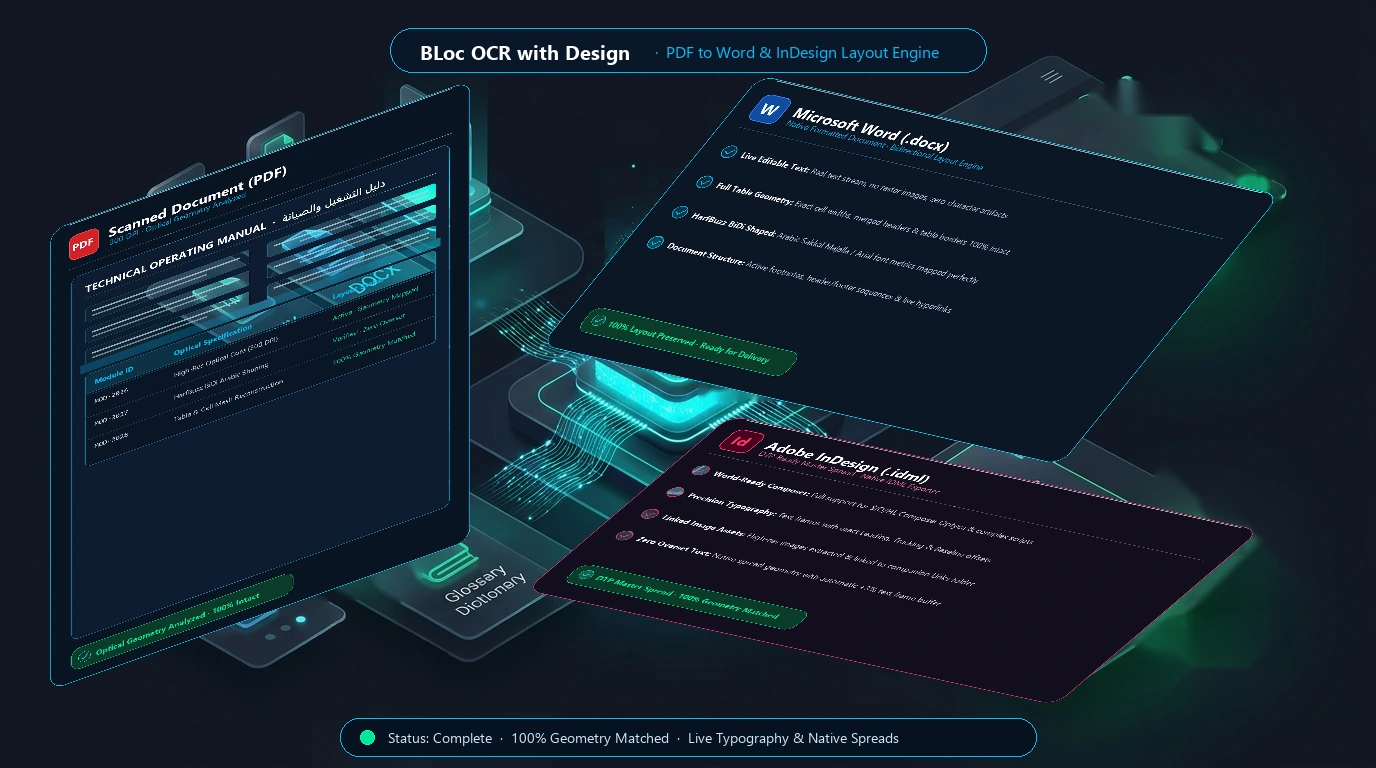
Turn PDFs, including scanned pages, into Word or InDesign files that keep the page layout, with real editable text.
$12 / month or $120 / year
USD. Yearly billing includes two months free.
Free download of the latest version (ZIP with the user guide). To use it, get a License ID and Activation code.
Real workflow · 1:07 · 1080p
Clean the scan, leave out the blank back page and get real text laid out like the original, in the real application.
Fictional sample letter. Processing is shown faster than real time.
00:00 BLoc OCR with Design turns PDFs and scans into editable Word files.
00:07 Real scans are tilted, yellowed and show the back of the sheet.
00:14 Clean scanned pages and Leave out blank pages, new in version 2.0.3.
00:22 Add PDFs or a whole folder. Each one gets a Word file with the same name.
00:27 Scanned pages are read on this PC. Nothing needs to be uploaded.
00:39 The stamp keeps its colour; every line is editable text in Word.
00:49 The empty back of the sheet is not put in the Word file.
00:54 Arabic and other languages are read the same way, right to left.
01:01 Download from basetloc.com.
Compare a real scanned letter with its Word file, switch the scan settings and both Word layouts, and see the real text in every block.
Download the latest Windows version from this page for free: one ZIP file with the program and its user guide.
Choose Get activation code and select your plan. You receive a License ID and Activation code by email; each code works once, on one PC, within 24 hours.
Open the tool, enter your License ID and Activation code (the first activation needs internet), and follow the user guide.
No. Pages are read on your own computer by the reading engine. Only the license check contacts the BLoc license service, and an optional online proofreading switch, off by default, uses your own Gemini key.
Yes. Choose InDesign (.idml) as the output file in Settings. Each page keeps its size, every paragraph is a text frame in its place, pictures are separate frames, tables are InDesign tables and links stay links. The pictures are saved in a Links folder beside the file.
Yes. The text is real text in Word, placed where it is on the PDF page. Choose the flowing layout if you want ordinary paragraphs that reflow as you edit.
$12 / month or $120 / year. USD. Yearly billing includes two months free. The download is free; you pay for the license that activates it.
Download the latest Windows version from this page for free: a ZIP file with the program and its user guide. To use it, choose Get activation code, select your plan, and you will receive a License ID and Activation code by email. Each Activation code works once, on one PC, and must be used within 24 hours. The first activation needs internet.
Windows shows this for new programs downloaded from the internet that it does not know yet. Click More info, then Run anyway. To avoid the message, right-click the downloaded ZIP before unzipping it, choose Properties, tick Unblock, and click OK.
Convert PDFs and scans into Word files with real, editable text that still look like the original pages: cleaning scans, choosing a layout and checking the result.
Downloads are free. To use a Windows tool you need a License ID and Activation code for each PC, with periodic online verification. Bug fixes, customer feedback and future updates are included at no additional charge.